 Talpha









How it works
A user clicks on the advertising link and gets into the Telegram bot. The bot welcomes you, tells about a product, and asks qualifying questions. The user chooses which content he wants to watch.
The script contains a short video and screenshots of the reviews. Plus, the bot immediately sends useful materials. It can also answer frequently asked questions (about the price, format, and timing). That is, the bot provides benefits or content from the very beginning.
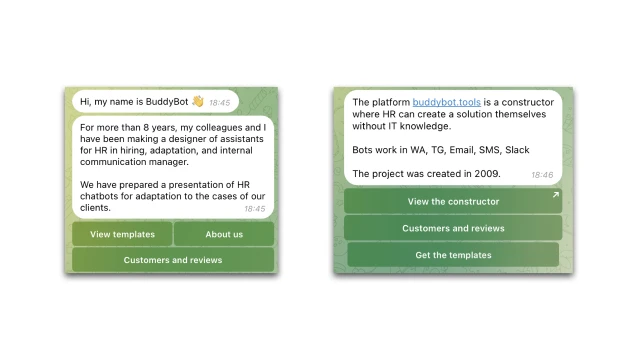
After a few steps, the bot offers to enroll in the course — with a button leading to the payment script.
If a user has not signed up for the course immediately, the bot starts a warm-up chain: useful materials, feedback, answers to frequently asked questions, motivational triggers. You can upload PDFs, videos, or documents to messages.
You can set up analytics to understand how users behave: how many people started a script, at what stage they "fall off", and what answers they give most often.
How to set up the bot
✔️ Register in the Buddybot constructor, create a project and add a template "Telegram Ads Bot".
✔️ Create and connect a Telegram bot.
✔️ Edit the script and the mailing of warm-up messages. At the target action stage, you need to add a stop segment that will stop the distribution for leads who have completed the target action. The same segment should be added in the “Mailing Lists” section.
✔️ If necessary, connect the payment system in the “Settings” section.
✔️ If necessary, set up script analytics.
✔️ Test the script on yourself.
Questions about self-configuration can be asked in the community of customizers on Telegram.
To learn the basic setup of chatbots for marketing, sign up for our mini-course "Nocode in Marketing: tools for conversion growth".