 Talpha










How it works
The bot is launched in a browser or messenger and tells the rules of the quiz.
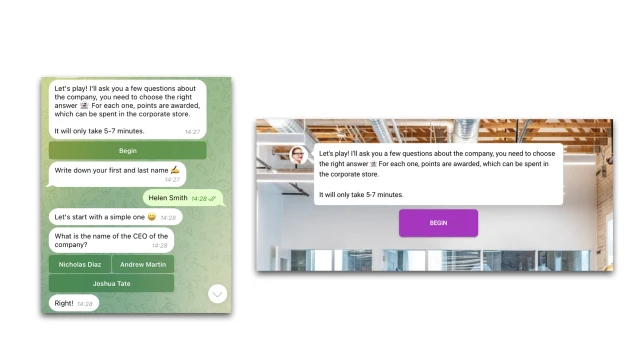
An employee answers questions with multiple choice answers. The bot awards points for correct answers and shows the result at the end of the survey.
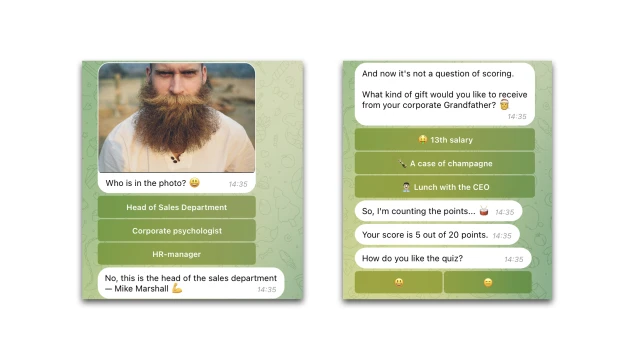
All answers are saved in a table.

How to set up the bot
✔️ Register in the BuddyBot constructor, create a project and add the "Quiz for employees" template.
✔️ Prepare questions and edit the script in the constructor. You can find out how to work in scripts here.
✔️ For your bot to work in messengers, connect these channels in the constructor according to the instructions: Telegram.
✔️ The template is configured to save the quiz results in a table. You can delete this step or edit it for yourself. You can find out more about working with tables here.
✔️ Test the script on yourself. If you have any questions about self-setup, write to the community on Telegram.
Look for even more ready-made bots for HR on our website.