 Talpha












How does it work?
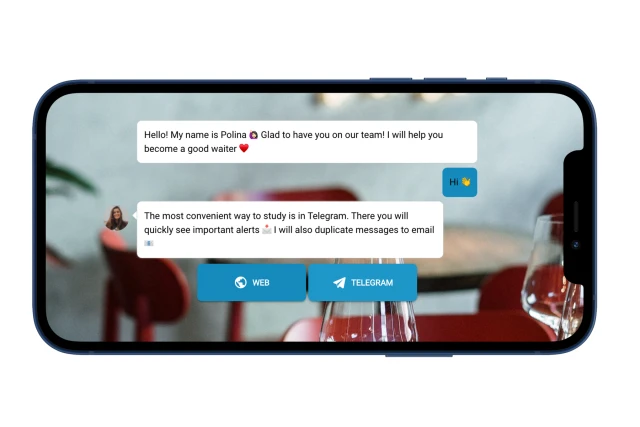
The bot registers a new employee, explains the rules of training and sends lessons to the messenger and to email. The bot can be launched via a sticker with a QR code, via a link in a welcome email, or directly from the HR system as soon as a new employee appears there.
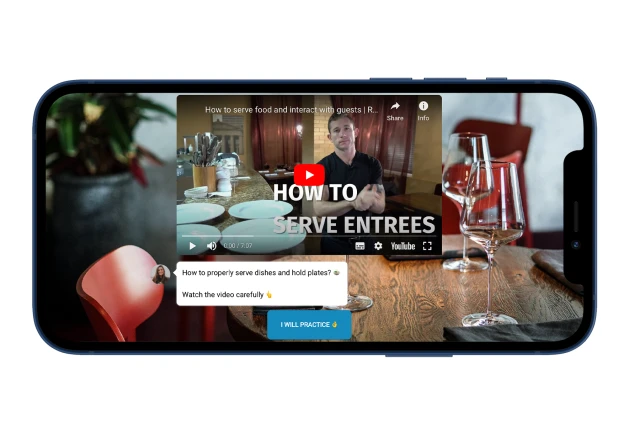
In this example, 2 lessons and a knowledge test are collected. The participant clicks on start and 1 lesson starts. Educational content can be presented in different formats: video, audio, pictures, text, gifs. The main principle is that these should be small and useful blocks of material for a given employee.
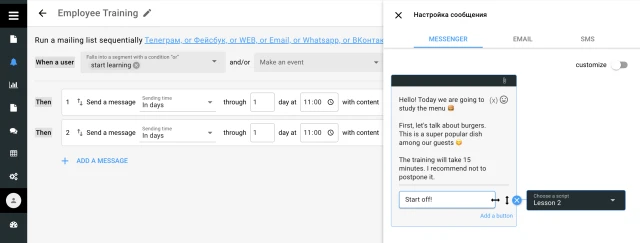
If the program is designed for several days or weeks, you can set up reminder messages. At the scheduled time, the participant receives a link with to launch the next lesson.
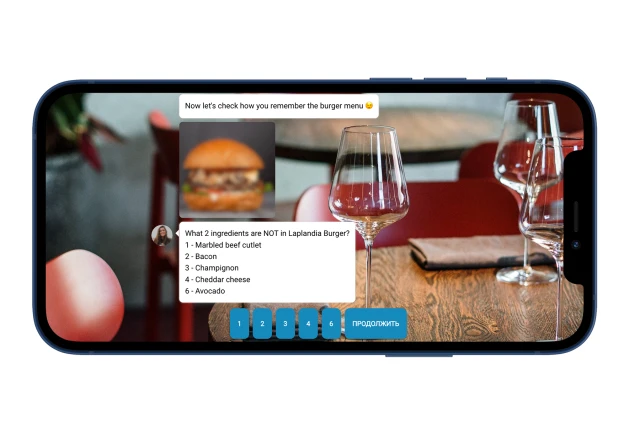
After the participants study the material, the bot tests their knowledge with the help of interactive tasks.
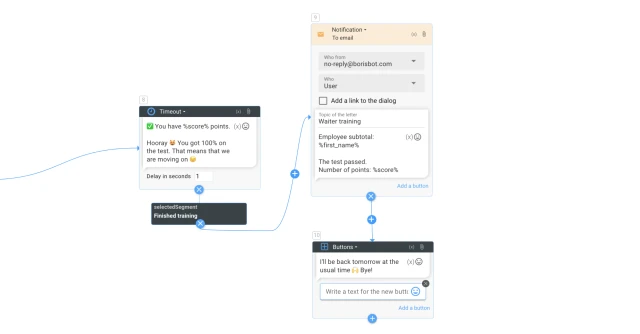
For each correct answer, you can earn points, and for an incorrect answer, you can subtract and return to the beginning of the test. The bot calculates the result, collects it in a table and sends a notification by mail to the person responsible for training.
What to do with the template?
- Add a template to the project.
- Prepare an educational program and assemble on the platform. Add texts, photos, videos, files. Use the blocks “timeout”, “predictable answer”, “buttons with one answer option”, “buttons with multiple answer options”, “carousel”, “plain text”, “file”, etc. To set up scoring, specify the action “ Add/subtract points” opposite correct/incorrect answers. The result is reflected through the global variable "%score%".
- If the program is designed for a period of more than 1 day, in the "Mailouts" section, set up messages to send reminders and tasks at the scheduled time.
- If you plan to use a points system, set up the conditions for the "Router" block. This is the number of points based on which the employee will receive a pass/fail message.
- Set up notifications to your mail through the "Notifications" block. Add your email and email content.
- Test the bot.
- Send a link to the bot to employees or set up a script to run through your system.
- Watch the video where we talk about the logic of the bot for educational programs.
If you have any questions, write to us on Telegram.