 Talpha











How does it work?
The bot is launched via a link or event from your system, gets acquainted with a new employee and tells how it will be useful.
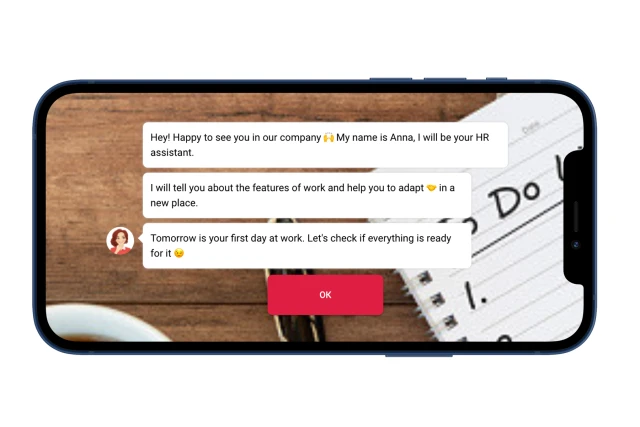
The bot learns about the availability of documents for obtaining a labor document. If an employee replies that there is no document, the bot offers assistance in completing it.
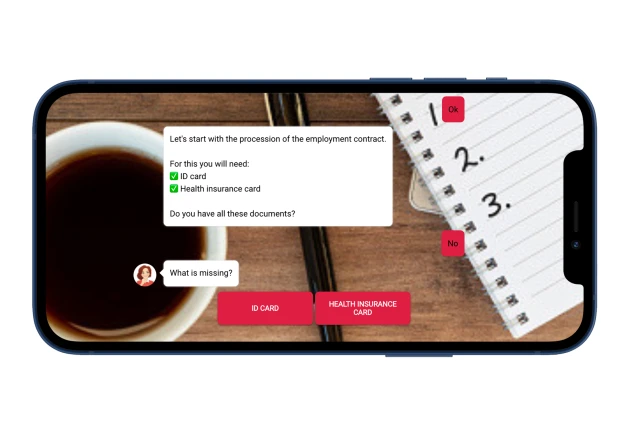
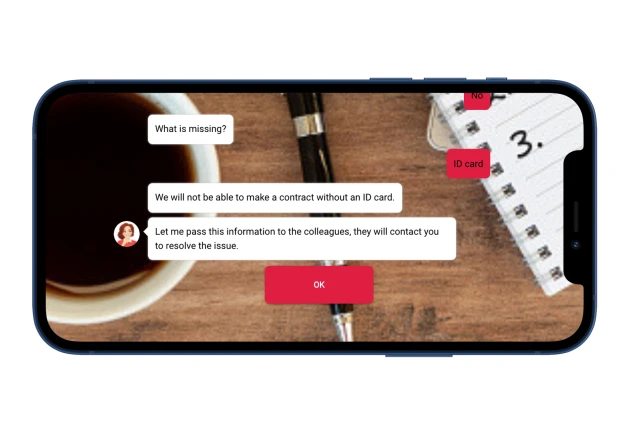
You can complete the pre-onboarding scenario at this stage if an employee is not ready to submit documents without which it is impossible to go to work. The bot will notify HR about this by email.
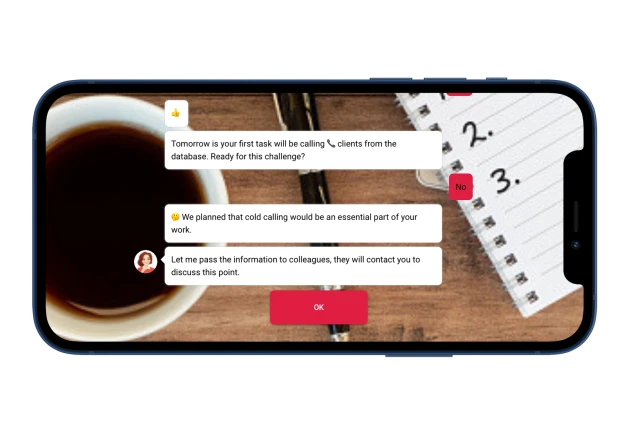
Then the bot talks about the first work tasks and clarifies an employee’s readiness. If not ready, the bot passes this information to HR.
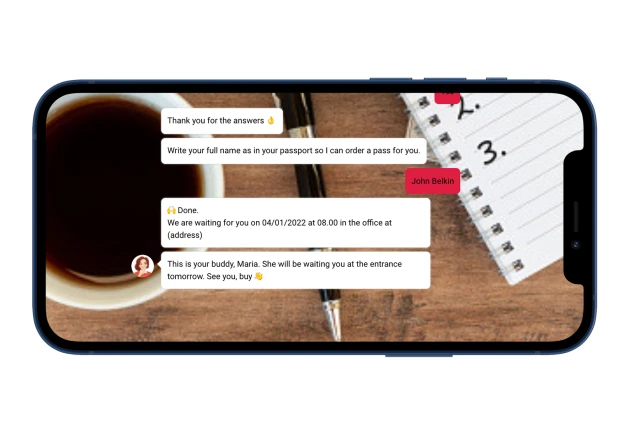
At the end, the bot asks for an employee’s full name to issue a pass and reports the date of return to work.
What to do with the template?
1. Create a project in the designer and copy this template.
2. Edit the script text.
3. If required, in the “Settings” section, connect the messenger.
4. Add a background and avatar for the web version of the bot.
5. Test the bot.
If you have any questions about setting it up yourself, write to the Telegram community.
If you need additional configuration, please contact us.