 Talpha











First of all, you need to choose a way to activate the bot: place a link in the job description, set up integration with the job site, or set up an advertising campaign with a link to the bot. When the user performs the required action, the script for selecting suitable candidates is launched.
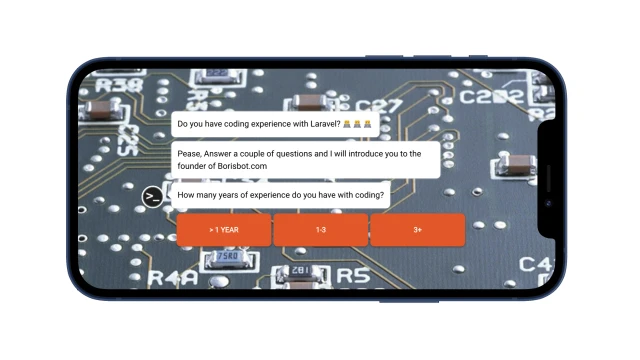
The applicant answers questions about his work experience. The bot finds out the tasks that had to be performed and the main dissatisfaction in the previous job.
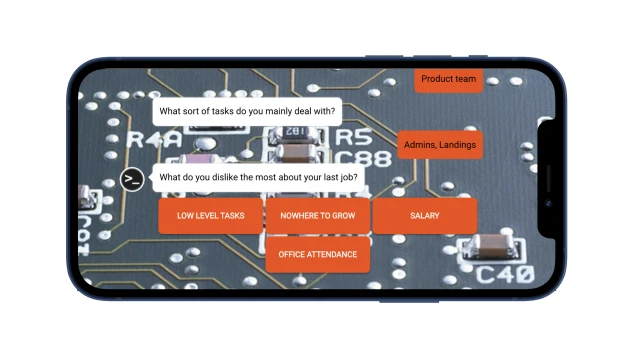
Furthermore, the bot talks about the possibilities of working in the company, registers the user in the system and offers to leave his data in order to transfer HR. The bot will send all the information directly to the mail of the HR specialist.
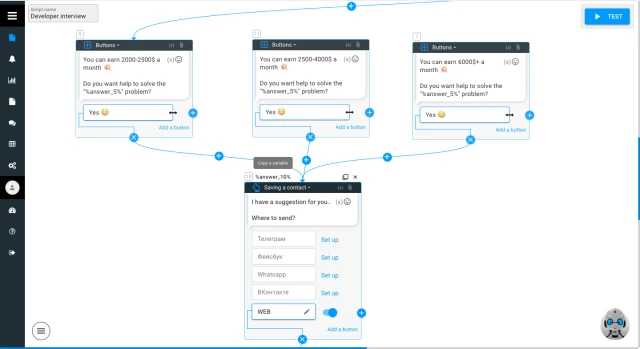
What to do with this template?
1- Create a bot design: customized questions, choose a background, avatar, and font.
2- Set up notifications to your mail through the "Notifications" block. 3- Add the "answer" variable (user responses) to your email and email content.
4- Decide how users will run the bot and set it up. On the website - place a link or a QR code to the bot where your target audience may be interested in your vacancy.
5- Test the bot.
If you have any questions, do not hesitate to contact Telegram