 Talpha











How does it work?
The bot is embedded into a website as a widget and activated by a trigger message. When a visitor has visited the site, the bot engages him in a dialogue, segments him using clarifying questions and offers a range of prices for services.
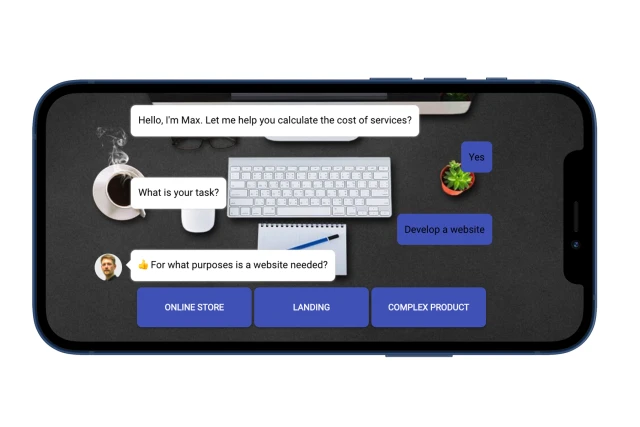
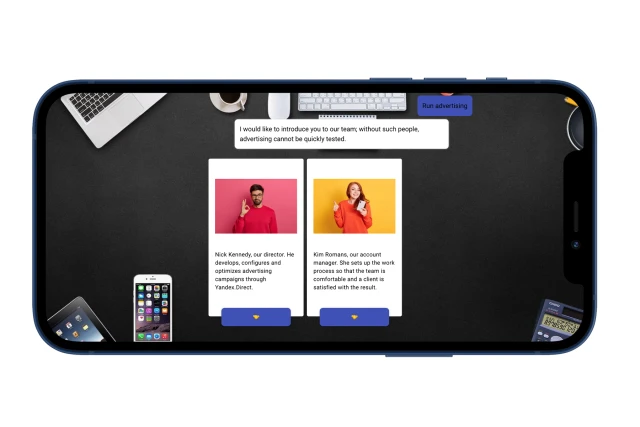
The bot can also tell you about the company’s services: capabilities, advantages, specialists.
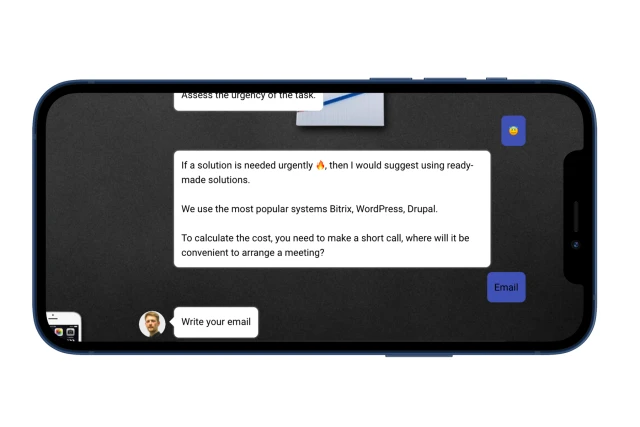
To save a user’s contact, the bot offers to calculate the exact cost of services and project deadlines. A call request will be sent to you by email or directly to the CRM system.
What to do with the template?
- Add the template to your project.
- If required, add the bot to the messenger: Telegram/VKontakte/Facebook.
- Create a bot design – choose a background, avatar and font.
- Place the widget on the website and configure the builder to launch a trigger message based on an “Event on the site.”
- Think through qualifying questions, information about your services and add them to the builder.
- Set up notifications about new applications in the “Notifications” block.
- In the “Analytics” section, configure reports based on the script.
- Test the bot.
If you have any questions, write to the Telegram community.