 Talpha









How it works
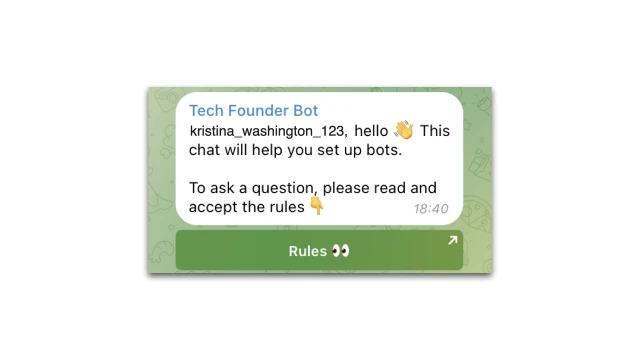
You create a bot and add it to your Telegram community. The bot automatically welcomes new members and explains the rules of conduct. Then the bot can transfer a dialogue to a personal message and answer questions, offer to leave contacts, attach links to your resources, etc.
What to do with the template
✔️ Register in the BuddyBot chatbot constructor.
✔️ Create a project in the constructor.
✔️ Create a script and select the template "Bot for greeting in a Telegram group" (can be found through "search"). Two scripts and a table will appear in your project. You can delete the intro script, it will not be needed.
✔️ Set up a Telegram bot. In the constructor, in the Settings → Messengers section, connect Telegram. Add the bot to the group according to the instructions.
✔️ Set up a script. Add Group ID to Telegram blocks. Set up a greeting text. You can make a standard greeting for everyone, for example, "Hello" or come up with several phrases, write them down in a table and randomly display them to a new user. An example of the settings is in the template. You need to add your phrases to the table; in the “Table” (Get cell) block, specify the row numbers from the table. If you want to use one greeting option, delete the “Table” (Get cell) block.
✔️ Test the bot. To do this, a new member must join the group.
If you have any questions about self-setup, contact our community on Telegram.