 Talpha









How does it work?
The bot is launched via the link, registers an employee and transfers the dialogue to Telegram.
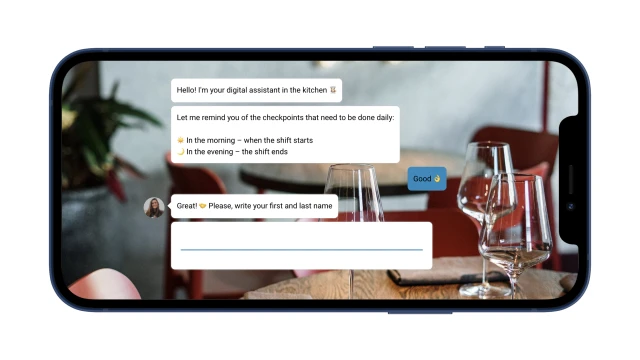
First, the cook performs the tasks to open the shift. For example, he checks the serviceability of equipment. You can ask an employee to take a photo of the result and send the photo using a bot.
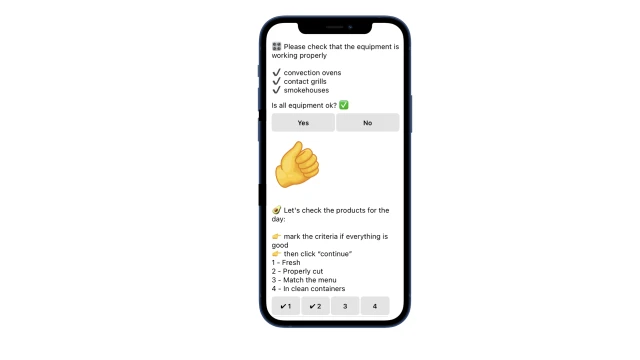
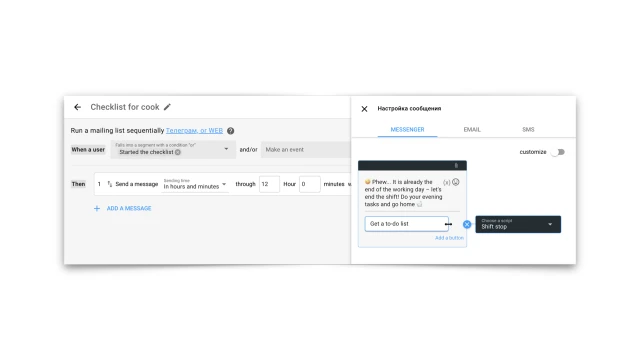
At the end of the working day, the bot sends a new message, where it offers a list of tasks for closing the shift. Thus, the chef receives two checklists a day, completes tasks and marks the result.
If an employee has any problem, the bot reports it to a colleague who can help. You can also use the bot to make a request, for example, for groceries.

The bot saves all the answers in the table, where the cook’s full name and the checklist filling date are displayed.

What to do with the template?
- Create your project and add the template.
- Add the bot to a messenger: Telegram/Facebook.
- Prepare checklists and collect them on the platform. Use “timeout” and “button” blocks; use pictures, gifs. These scripts can be copied for all mailing days.
- In the “Sequence” section, set up sending daily messages to the messenger complete the tasks.
- In the "Tables" section, set up a table to save employee responses.
- Test the bot.
If you have any questions, contact us on Telegram.