 Talpha









How it works
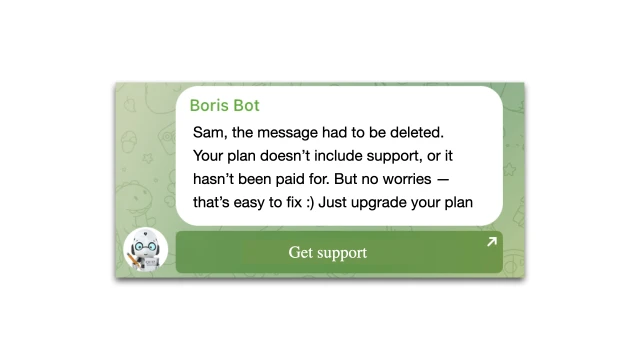
A student registers and immediately gets into the Telegram chat of the course. The bot monitors all messages and instantly deletes them from those who have not yet paid for access. Then it explains why you can't write and offers to pay.
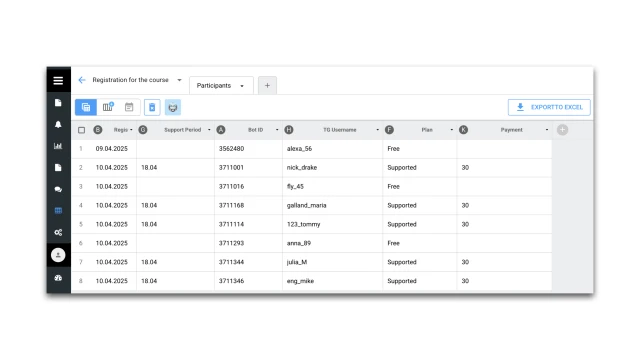
As soon as the payment is completed, the data is entered into the table. The bot verifies the payment and automatically opens the rights to the student — he can now white, discuss, and ask questions.
How to set up the bot
✔️ Register in the BuddyBot constructor, create a project and add a Chat Access template after payment.
✔️ Connect Telegram.
✔️ Add the bot to the Telegram group according to the instructions.
✔️ Set up payments.
✔️ Test the script.
If you have any questions about self-configuration, contact our community on Telegram.
Look for other ready-made training templates here.